Now shipping cross-border on ClickPost. Check out

Beingships Tracking and API Integration with ClickPost

Elevate ecommerce logistics for pan-India customers with automated NDR management, returns and exchanges, and over 700 carriers to choose from.

Beingships-integration

Trusted by 450+ global brands

PUMA - SVG - 50
Decathlon-slider-logo
nykaa-slider-logo
Herbalife - SVG - 50
lenskart-slider-logo
Dogtra - SVG - 50
The Body Shop - SVG - 50
Birkenstock - SVG - 50
New Me - Slider Logo
Palome - SVG- 50
Tata 1mg - Gray - 50
Adidas - SVG - 50
Jackery - SVG - 50
Oriflame - SVG - 50
Giva - Slider Logo
Mars - Slider Logo - SVG
Sotheby - SVG - 50
ABFRL - SVG - 50

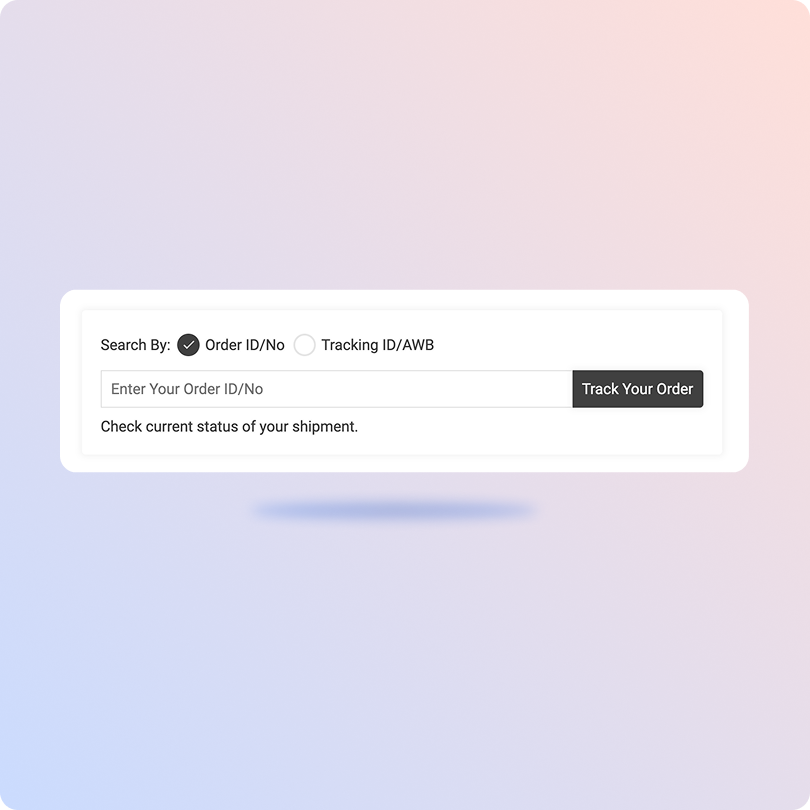
Beingships Tracking

*ClickPost provides package tracking services only. For inquiries about order details, please contact your retailer.
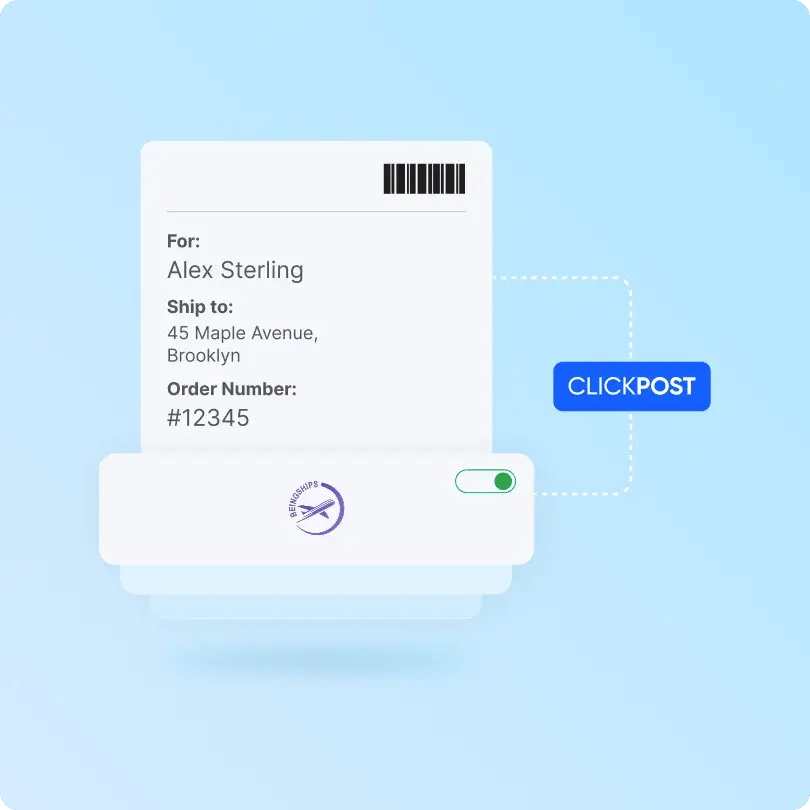
Beingships-clickpost

Benefits of Connecting Beingships with ClickPost

With the collective offerings of Beingships and ClickPost, brands can achieve:

  • Up to 30% reduction in NDRs with AI-enabled NDR voice assistance.

  • 60% less Where is my order queries with real-time notifications.

  • 50% faster delivery times with smart carrier allocation.

Check the integration library

Partner ID Order Creation Cancellation Tracking via Polling Tracking via Webhook Proof of Delivery (POD) Non Delivery Report (NDR) Create Pickup Request AWB Generation Flow Label Generation Country
Beingships-logo
Beingships
5 ✓ ✓ ✓ ✓ ✓ ✓ ✓ ✓ India

How to Track Beingships Packages

Track Beingships Packages with the ClickPost tracking page

  • Grab your Beingships tracking ID for the package from the email.

  • Visit the ClickPost tracking page.

  • Enter the tracking number in the designation tracking field.

  • Click on the “Track” button to view the status.
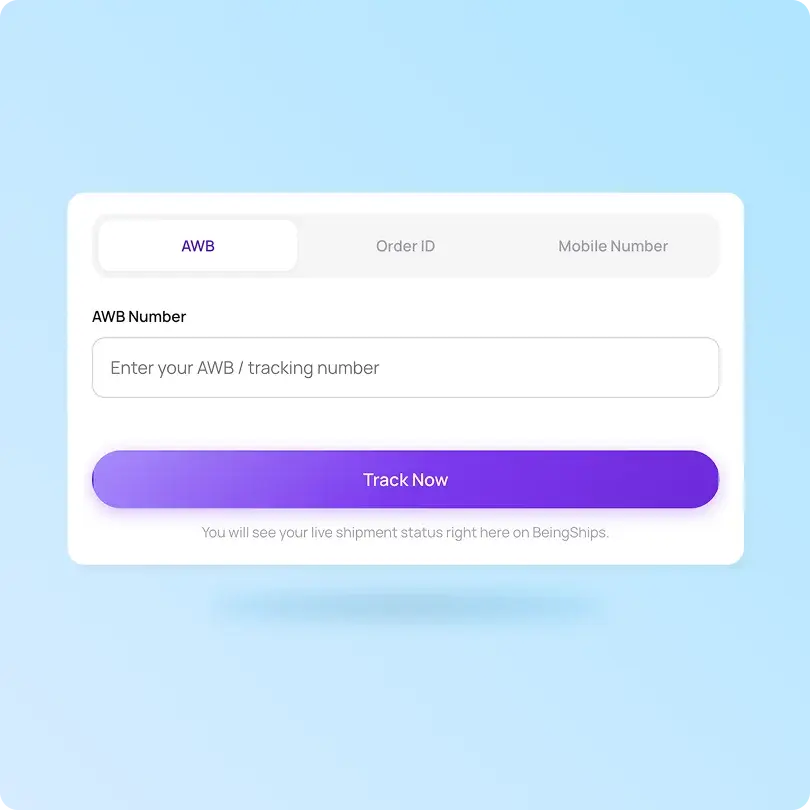
Track Beingships Packages on the official tracking page

  • Go to the Beingships tracking page.

  • Enter the AWB number, order ID or mobile number.

  • Click on the “Track now” button below.

  • In a few seconds, you will see the Beingships order status appear on the screen.

List of Beingships APIs

API Description
Manifestation and Label Generation API Manifest orders and print shipping labels in bulk automatically.
Track Shipment API Tracking shipments in real-time across multiple carriers.
Cancellation API Quickly cancel orders using this API.
EDD API Display accurate estimated delivery dates on product and checkout pages.
NDR Action Update Take quick action on undelivered orders and communicate non-delivery reports to customers and carriers.
Return Webhooks Manage the entire reverse logistic journey from start to finish.
API & Description
Manifestation and Label Generation API
Manifest orders and print shipping labels in bulk automatically.
Track Shipment API
Tracking shipments in real-time across multiple carriers.
Cancellation API
Quickly cancel orders using this API.
EDD API
Display accurate estimated delivery dates on product and checkout pages.
NDR Action Update
Take quick action on undelivered orders and communicate non-delivery reports to customers and carriers.
Return Webhooks
Manage the entire reverse logistic journey from start to finish.

Frequently asked questions

Everything you need to know about ClickPost’s Carriers Integration

How does ClickPost use AI for Carrier Allocation?

ClickPost uses AI-driven algorithms to analyze multiple factors, such as cost, turnaround times, SLA Adherence for carriers, to recommend the best carrier for each shipment.

How does ClickPost use AI for Carrier Allocation?

ClickPost uses AI-driven algorithms to analyze multiple factors, such as cost, turnaround times, SLA Adherence for carriers, to recommend the best carrier for each shipment.

How does ClickPost use AI for Carrier Allocation?

ClickPost uses AI-driven algorithms to analyze multiple factors, such as cost, turnaround times, SLA Adherence for carriers, to recommend the best carrier for each shipment.

How does ClickPost use AI for Carrier Allocation?

ClickPost uses AI-driven algorithms to analyze multiple factors, such as cost, turnaround times, SLA Adherence for carriers, to recommend the best carrier for each shipment.

Frequently asked questions (FAQ's)

Can I customize the branded tracking page for Beingships orders?

Yes. ClickPost gives you a branded tracking page for Beingships shipments, hosted on your domain and styled to your brand. You can add product recommendations and offers, turning a routine tracking check into a return visit and an extra sales touchpoint.

How does ClickPost manage non-pickup reports (NPR) for Beingships?

ClickPost syncs non-pickup reports (NPR) from Beingships in real time and automates the follow-up. When a pickup fails, it flags the issue, prompts a reattempt, and gives your team warehouse-level visibility, so orders leave on time and dispatch delays do not pile up.

Can I connect my store and OMS or WMS to Beingships through ClickPost?

Yes. ClickPost integrates with storefronts like Shopify, Magento, and WooCommerce, plus your OMS and WMS. Orders and inventory sync both ways, so Beingships shipments manifest automatically and status updates flow back to your systems without manual data entry.

Can ClickPost automate Beingships exceptions with AI?

Yes. ClickPost's AI delivery exceptions manager works across your carriers, including Beingships, to catch stuck, delayed, or failed shipments early. It triggers the right next step, whether a reattempt, a customer nudge, or a warehouse action, so fewer orders slip toward RTO.

Does the integration handle B2B or multi-piece Beingships shipments?

Yes. ClickPost supports B2B and multi-piece shipments, linking several parcels under one master AWB for Beingships orders. You track every piece on a single panel alongside D2C and quick-commerce shipments, so mixed operations stay visible in one place.

Streamline your shipping experience with ClickPost

image (3)-3