
The Great Indian Festive Report 2026, just dropped! Read it here

ST Courier API Integration and Real-time Tracking with ClickPost

ST Courier API integration with ClickPost gives you real-time shipment tracking, automated customer alerts, and returns management in one dashboard.

ST-courier - Banner

Trusted by 600+ global brands

puma
decathlon-logo
nykaa-logo
herbalife-logo
lenskart-logo
dogtra-logo
the-body-shop-logo
Birkenstock-logo
New-Me-logo
palome
Tata-1mg-logo
Adidas-logo
Jackery-logo
Oriflame-logo
Giva-logo
mars-logo
Sotheby-logo
ABFRL-logo
ST courier - Integration

Why Integrate ST Courier API with ClickPost

Leverage ST Courier’s shipping with ClickPost’s smart logistics solutions. 

  • Gain up to 65% uptick in operational efficiency with a range of configurable tech solutions.
  • Lower post failed delivery escalations by 31% using a smart NDR management system.
  • Keep tabs on all key supply chain exceptions and curtail shipment delays by 20%. 

ST Courier API Integration Capabilities

Partner ID Order Creation Cancellation Tracking via Polling Tracking via Webhook Proof of Delivery (POD) Non Delivery Report (NDR) Create Pickup Request AWB Generation Flow Label Generation Country
st-courier
ST Courier
62 ✓ -- ✓ ✓ -- -- -- -- ✓

ST Courier Tracking: How to Track Your Shipment
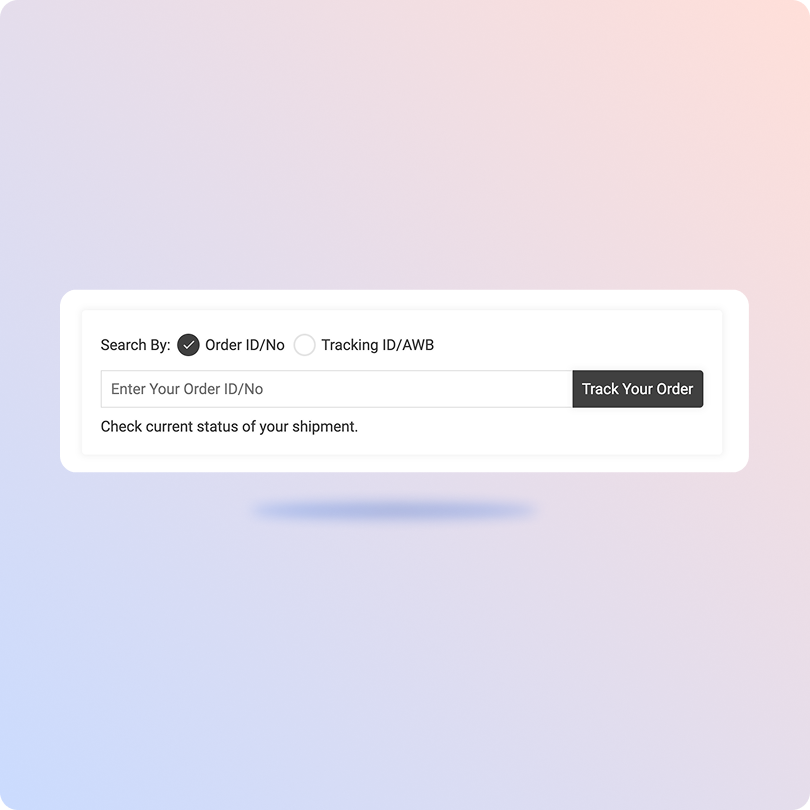
Track ST Courier Shipment Status on ClickPost

  • Find your ST Courier AWB number.
  • Visit the Clickpost Tracking Page
  • Type in your AWB number.
  • Click “Track” to see your shipment status.
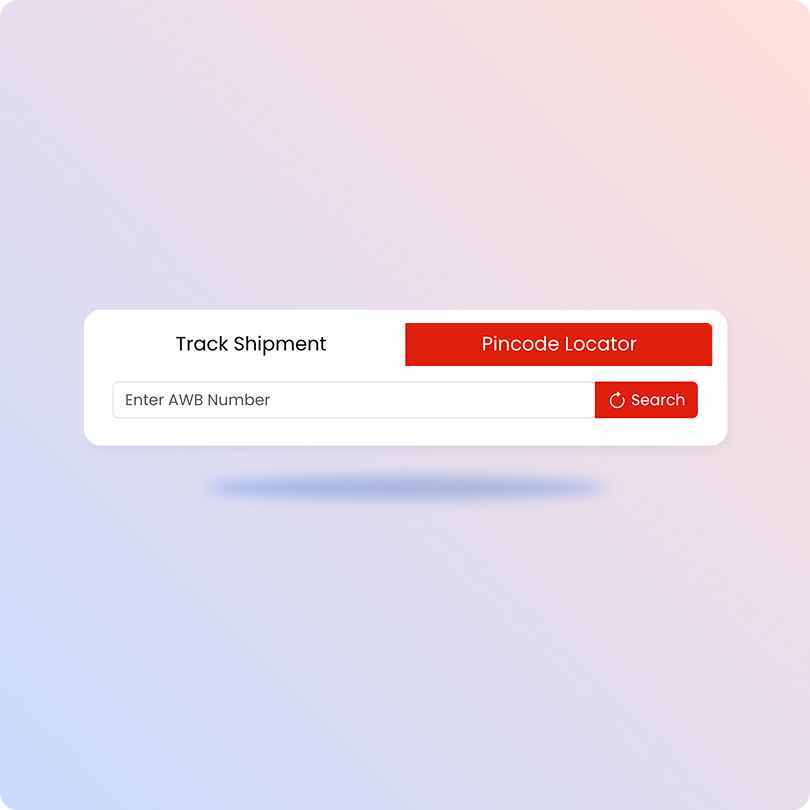
ST Courier Tracking on the Official Website

  • Go to the official ST Courier tracking page.
  • Enter your order’s specific AWB number.
  • Hit “Search” to start tracking your shipment.
  • View the displayed information to find your parcel’s location. 

ST Courier API List Available on ClickPost

API Description
Manifestation and Label Generation API Create an order on ST Courier itself and begin generating automated shipping labels.
Track Shipment API Obtain all tracking information related to ST Courier orders in real-time.
Cancellation API Effortlessly cancel any order in case your customer changes their mind.
EDD API Provide accurate delivery estimates and help customers stay in the loop from the get-go.
NDR Action Update Follow up and take action on any failed delivery to lower your RTO rates.
Return Webhooks Leverage smart webhooks to instantly create a return order.
API & Description
Manifestation and Label Generation API
Create an order on ST Courier itself and begin generating automated shipping labels.
Track Shipment API
Obtain all tracking information related to ST Courier orders in real-time.
Cancellation API
Effortlessly cancel any order in case your customer changes their mind.
EDD API
Provide accurate delivery estimates and help customers stay in the loop from the get-go.
NDR Action Update
Follow up and take action on any failed delivery to lower your RTO rates.
Return Webhooks
Leverage smart webhooks to instantly create a return order.

ST Courier API Integration FAQs

Everything you need to know about ST Courier API integration and tracking with ClickPost.

What is ST Courier API integration?

ST Courier API integration connects your store or OMS directly to ST Courier’s systems. With ClickPost, you can create orders, generate labels and receive tracking updates automatically without logging into the carrier portal.

How does ST Courier API integration work with ClickPost?

You share your ST Courier credentials, and ClickPost connects your account to its platform. You can then manage ST Courier alongside 700+ other carriers in one dashboard, with branded tracking, automated notifications, NDR handling and returns workflows.

Does ST Courier provide a tracking API?

Yes. Through ClickPost, the ST Courier tracking API gives you real-time shipment updates by polling or by webhook. Each status change is pushed to your system, your tracking page and your customer notifications.

How do I check ST Courier tracking status?

Enter your AWB number on the ClickPost tracking page or the official ST Courier website. Common statuses include Booked, In Transit, Out for Delivery, Delivered and Undelivered.

What does “In Transit” mean in ST Courier tracking?

It means your parcel has left the origin branch and is moving through ST Courier’s hub network toward the destination branch.

Can I track multiple ST Courier shipments at once?

The official ST Courier site tracks one AWB at a time. With ClickPost, you can track all your ST Courier shipments in bulk from a single dashboard and receive automatic status updates.

Which ST Courier APIs are available on ClickPost?

Order creation and label generation, tracking API (polling and webhook), cancellation, EDD, NDR action updates and return webhooks.

Can I automate shipping with ST Courier through ClickPost?

Yes. Once integrated, AWB generation, label printing, tracking updates and customer notifications all run automatically, so you remove most manual shipping tasks.

What happens if ST Courier tracking data isn’t updating?

ClickPost flags stalled shipments as exceptions so your team can act. If data from ST Courier is missing, contact ClickPost support for a resolution.

Start Your ST Courier API Integration Today

courier