Now shipping cross-border on ClickPost. Check out

Fastex API Tracking and Integration with ClickPost

Integrate ClickPost with Fastex to automatically act on Fastex non-delivery reports and lift B2B delivery success rates.

Fastex-integration

Trusted by 450+ global brands

PUMA - SVG - 50
Decathlon-slider-logo
nykaa-slider-logo
Herbalife - SVG - 50
lenskart-slider-logo
Dogtra - SVG - 50
The Body Shop - SVG - 50
Birkenstock - SVG - 50
New Me - Slider Logo
Palome - SVG- 50
Tata 1mg - Gray - 50
Adidas - SVG - 50
Jackery - SVG - 50
Oriflame - SVG - 50
Giva - Slider Logo
Mars - Slider Logo - SVG
Sotheby - SVG - 50
ABFRL - SVG - 50
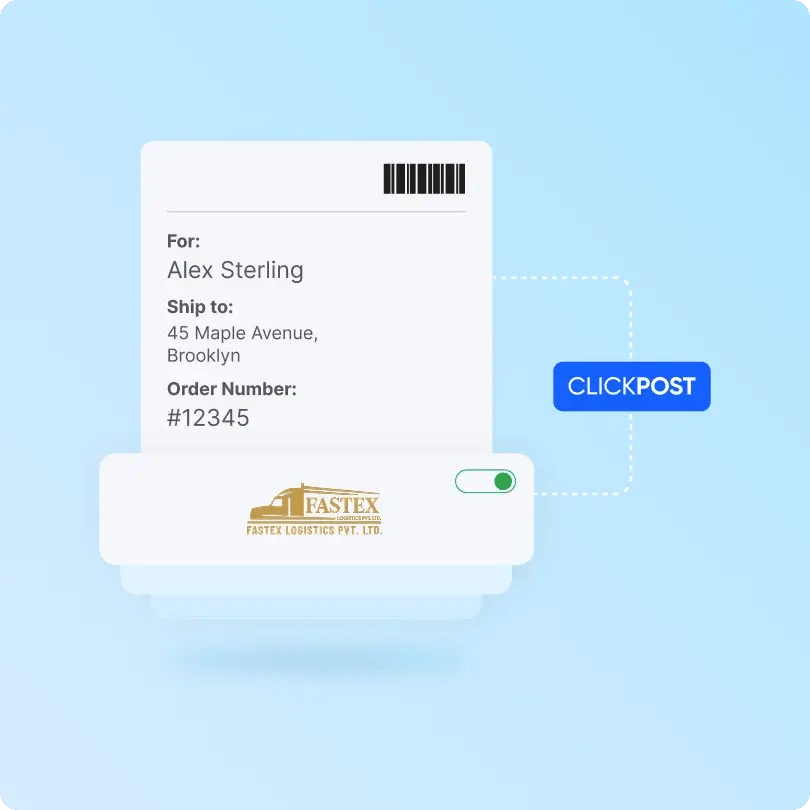
Fastex-clickpost

Benefits of Connecting with Fastex through ClickPost

Unlock smarter logistics operations with the combined capabilities of Fastex and ClickPost:

  • Improve delivery performance with AI order scoring, enabling up to 31% faster deliveries.
  • Reduce logistics cost leakages by up to 10% through automated allocation, reconciliation, and accurate shipment data.
  • Lower logistics costs by up to 22% with automated carrier allocation.

Check the integration library

Partner ID Order Creation Cancellation Tracking via Polling Tracking via Webhook Proof of Delivery (POD) Non Delivery Report (NDR) Create Pickup Request AWB Generation Flow Label Generation Country
Fastex-logo
Fastex
5 ✓ ✓ ✓ ✓ ✓ ✓ ✓ ✓ India

How to Track Fastex Packages

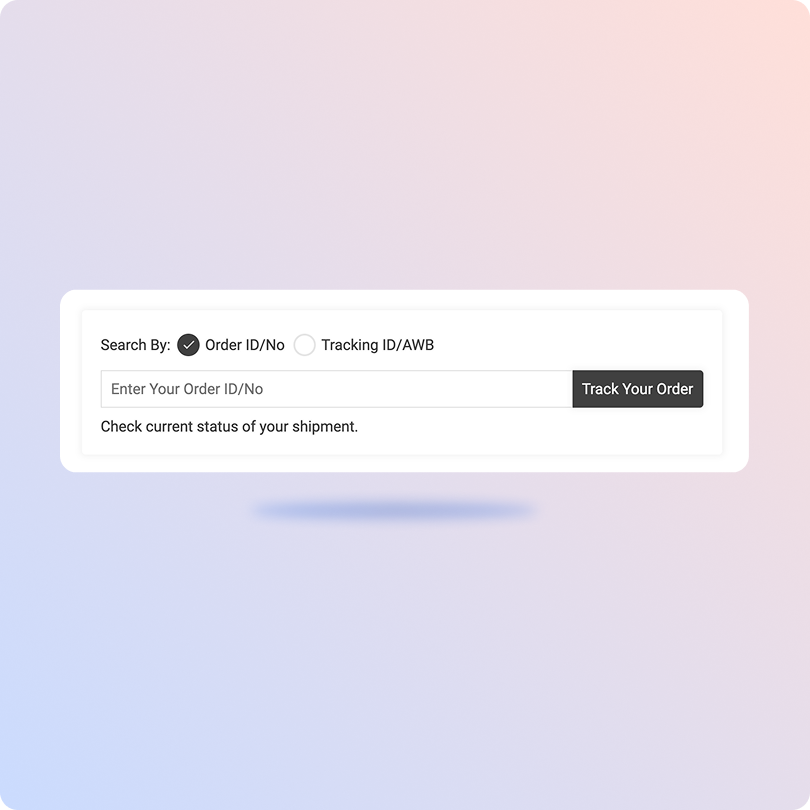
Track Fastex Packages with the ClickPost Tracking Page

  • Open the ClickPost tracking portal from your browser.
  • Enter your Fastex consignment or tracking ID in the search field.
  • Click on "Track" to fetch shipment details.
  • View real-time status, milestones, and delivery updates.
Track Fastex Packages on the Official Page

  • Open the Fastex Logistics tracking page.
  • Enter your consignment or LR number in the tracking box (use Multi-Tracking to check several consignments at once).
  • Click " Search" to submit your request.
  • View real-time shipment status, transit updates, and delivery history.

List of Fastex APIs

API Description
Manifestation and Label Generation API Bulk-creates shipping labels alongside unique tracking and LR numbers as soon as an order is placed.
Track Shipment API Offers real-time visibility and a centralized dashboard to monitor package movement from pickup to final drop-off.
Cancellation API Enables instant order cancellations directly through the system upon customer request.
EDD API Displays reliable arrival timelines on checkout and product pages to build trust and boost conversion rates.
NDR Action Update Captures buyer preferences during failed delivery attempts and automatically initiates swift re-attempt strategies.
Return Webhooks Powers automated reverse logistics with custom business rules and a seamless, branded return experience.
API & Description
Manifestation and Label Generation API
Bulk-creates shipping labels alongside unique tracking and LR numbers as soon as an order is placed.
Track Shipment API
Offers real-time visibility and a centralized dashboard to monitor package movement from pickup to final drop-off.
Cancellation API
Enables instant order cancellations directly through the system upon customer request.
EDD API
Displays reliable arrival timelines on checkout and product pages to build trust and boost conversion rates.
NDR Action Update
Captures buyer preferences during failed delivery attempts and automatically initiates swift re-attempt strategies.
Return Webhooks
Powers automated reverse logistics with custom business rules and a seamless, branded return experience.

Frequently asked questions

Everything you need to know about ClickPost’s Carriers Integration

How does ClickPost use AI for Carrier Allocation?

ClickPost uses AI-driven algorithms to analyze multiple factors, such as cost, turnaround times, SLA Adherence for carriers, to recommend the best carrier for each shipment.

How does ClickPost use AI for Carrier Allocation?

ClickPost uses AI-driven algorithms to analyze multiple factors, such as cost, turnaround times, SLA Adherence for carriers, to recommend the best carrier for each shipment.

How does ClickPost use AI for Carrier Allocation?

ClickPost uses AI-driven algorithms to analyze multiple factors, such as cost, turnaround times, SLA Adherence for carriers, to recommend the best carrier for each shipment.

How does ClickPost use AI for Carrier Allocation?

ClickPost uses AI-driven algorithms to analyze multiple factors, such as cost, turnaround times, SLA Adherence for carriers, to recommend the best carrier for each shipment.

Frequently asked questions (FAQ's)

What is the Fastex FTL service and when should I use it?

Fastex Full Truckload (FTL) is a dedicated-vehicle service where your goods stay in one truck from pickup to drop-off. Use it for large or high-value consignments that fill a truck, or when you want minimal handling and faster transit. Because there are no intermediate transfers, FTL reduces damage risk and shortens door-to-door time across interstate routes.

How is Fastex PTL different from FTL?

Fastex Part Truckload (PTL) lets you share truck space with other consignments and pay only for the portion you use. It suits medium-sized loads and regular distribution cycles where a full truck isn't justified. FTL is direct and dedicated; PTL is cost-efficient and ideal for scheduled, repeat shipments.

Does Fastex handle express cargo for urgent shipments?

Yes. Fastex Express Delivery offers priority handling and faster, time-sensitive movement for urgent packages and documents. It's suited to shipments with tight delivery windows where speed matters more than cost.

Does Fastex offer warehousing and inventory management?

Yes. Fastex provides purpose-built warehousing with integrated distribution, handling loading, unloading, sorting, and dispatch. Trained staff and digital inventory systems keep stock records updated, making it suitable for both daily dispatch and seasonal storage needs.

Can Fastex manage returns and reverse logistics?

Yes. Fastex runs a technology-enabled reverse logistics service covering returns and recovery through a single workflow. Businesses can manage forward shipping, storage, and returns through one logistics partner instead of stitching together separate providers.

How do I integrate Fastex with my ERP or WMS through ClickPost?

Connect your ERP or WMS to ClickPost through a prebuilt connector or API. Once connected, ClickPost exchanges shipment and tracking data between your systems and Fastex, giving your team a unified view of consignment movements and delivery updates.

How does ClickPost track Fastex FTL and PTL consignments?

ClickPost connects with Fastex's tracking interface to ingest shipment events and normalize them into a standard tracking feed. These events map to milestones such as in transit, out for delivery, and delivered, then surface through ClickPost's tracking dashboard, APIs, and customer notifications, giving consignment-level visibility while Fastex handles the physical movement.

Can ClickPost automate NDR management for Fastex B2B shipments?

Yes. ClickPost detects NDR events from the Fastex tracking feed, classifies the delivery exception, and triggers automated communication through WhatsApp, SMS, email, or IVRS. Responses are captured and relayed back to Fastex through API updates or scheduled reports to support the next delivery action.

How does ClickPost give a single tracking view across Fastex's road network?

ClickPost ingests Fastex tracking data through the carrier integration and maps incoming events to standardized shipment statuses. This gives teams one tracking view for FTL, PTL, and express consignments across regional and interstate movements, without separate integrations for each service type.

How long does it take to go live with Fastex integration on ClickPost?

Once Fastex is integrated with ClickPost, you can typically go live in around 24 hours. The process mainly involves configuring the integration for your account, validating the shipment and tracking workflows, and completing testing before activation.

Streamline your shipping experience with ClickPost

image (3)-3