Now shipping cross-border on ClickPost. Check out

Let’s Transport Tracking and API Integration with ClickPost

Let’s Transport and ClickPost’s collective offerings can boost shipping with 100% visibility across all B2B movements.

Lets-Transport-integration

Trusted by 450+ global brands

PUMA - SVG - 50
Decathlon-slider-logo
nykaa-slider-logo
Herbalife - SVG - 50
lenskart-slider-logo
Dogtra - SVG - 50
The Body Shop - SVG - 50
Birkenstock - SVG - 50
New Me - Slider Logo
Palome - SVG- 50
Tata 1mg - Gray - 50
Adidas - SVG - 50
Jackery - SVG - 50
Oriflame - SVG - 50
Giva - Slider Logo
Mars - Slider Logo - SVG
Sotheby - SVG - 50
ABFRL - SVG - 50
Lets-transport-clickpost

Benefits of Connecting Let’s Transport with ClickPost

With Let’s Transport's carrier network and ClickPost's tracking, NDR, and returns automation, brands can do more than turning fulfillment into a retention engine. Here’s more:

  • Eliminate overbilling, manual errors, and cost blind spots to cut logistics leakages by up to 10%.

  • Achieve over 90% success rate in second-attempt deliveries.

  • Keep customers satisfied with 50% faster delivery times.

Check the integration library

Partner ID Order Creation Cancellation Tracking via Polling Tracking via Webhook Proof of Delivery (POD) Non Delivery Report (NDR) Create Pickup Request AWB Generation Flow Label Generation Country
Lets-Transport-logo
Let’s Transport
5 ✓ ✓ ✓ ✓ ✓ ✓ ✓ ✓ India

How to Track Let’s Transport Packages with ClickPost
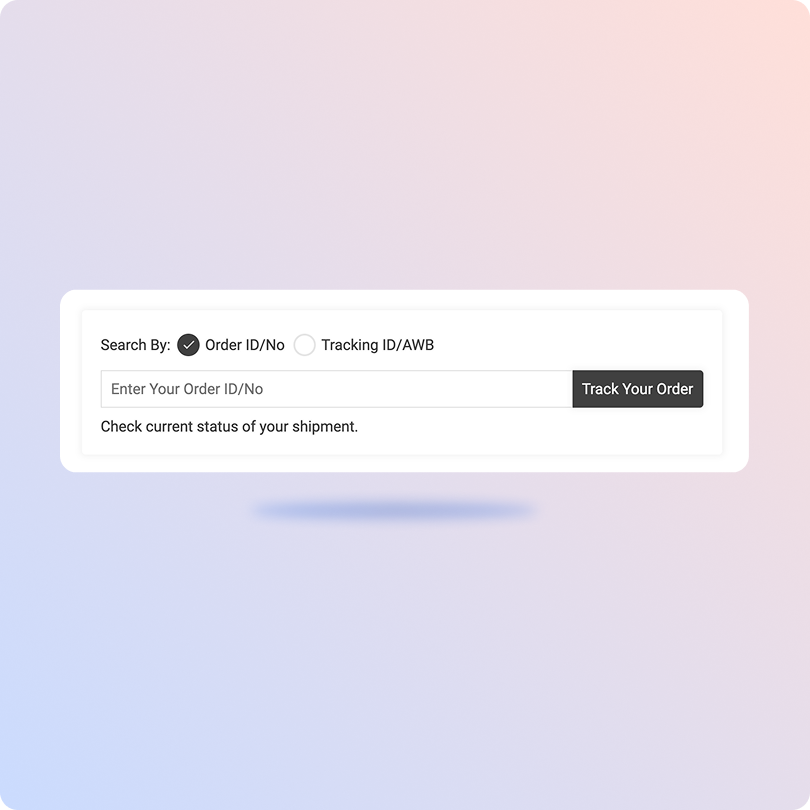
Track Let’s Transport Packages with the ClickPost Tracking Page

  • Keep the Let’s Transport AWB number or Tracking ID ready.

  • Visit the ClickPost tracking page.

  • Enter the tracking number or AWB number in the designated field.

  • In a few seconds, the latest order status will be displayed on the screen.
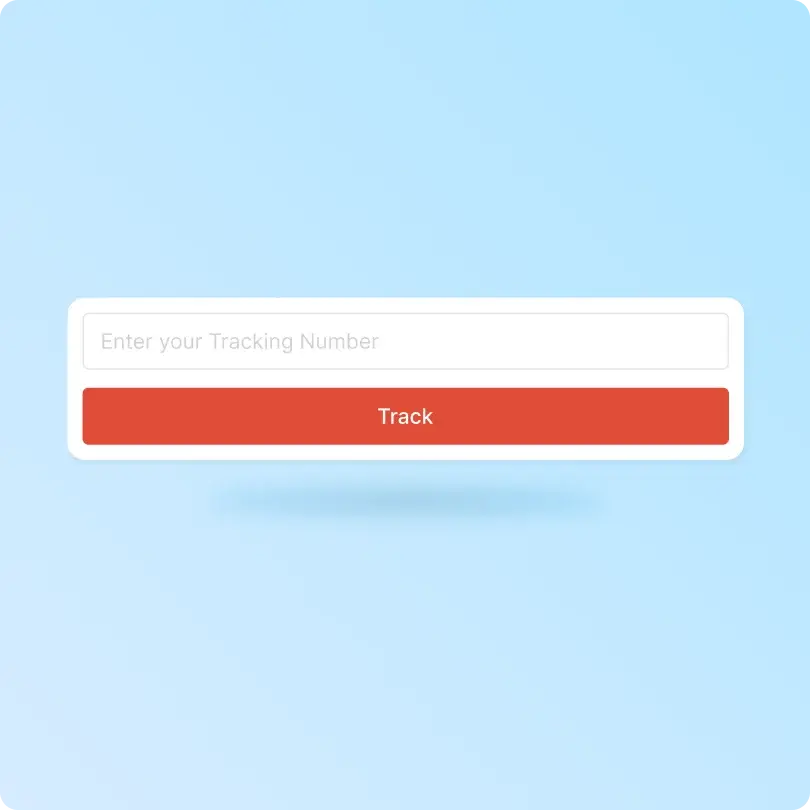
Track Let’s Transport Packages on the Official Tracking Page

  • Fetch the reference number or order number on your shipping label or email.

  • Visit the Let’s Transport ‘Track your Package’ page.

  • Enter the docket number or order number.

  • Click on the Track button below to see the latest order status.

List of Let’s Transport APIs

API Description
Manifestation and Label Generation API Generate shipping labels automatically and manifest bulk orders across multiple carriers.
Track Shipment API Track shipments in real-time and send updates to customers.
Cancellation API Cancel orders anytime using this API.
EDD API Display accurate EDDs on product and checkout pages.
NDR Action Update Take instant action on non-delivered orders by triggering reattempts.
Return Webhooks Initiate and streamline the reverse logistics process.
API & Description
Manifestation and Label Generation API
Generate shipping labels automatically and manifest bulk orders across multiple carriers.
Track Shipment API
Track shipments in real-time and send updates to customers.
Cancellation API
Cancel orders anytime using this API.
EDD API
Display accurate EDDs on product and checkout pages.
NDR Action Update
Take instant action on non-delivered orders by triggering reattempts.
Return Webhooks
Initiate and streamline the reverse logistics process.

Frequently asked questions

Everything you need to know about ClickPost’s Carriers Integration

How does ClickPost use AI for Carrier Allocation?

ClickPost uses AI-driven algorithms to analyze multiple factors, such as cost, turnaround times, SLA Adherence for carriers, to recommend the best carrier for each shipment.

How does ClickPost use AI for Carrier Allocation?

ClickPost uses AI-driven algorithms to analyze multiple factors, such as cost, turnaround times, SLA Adherence for carriers, to recommend the best carrier for each shipment.

How does ClickPost use AI for Carrier Allocation?

ClickPost uses AI-driven algorithms to analyze multiple factors, such as cost, turnaround times, SLA Adherence for carriers, to recommend the best carrier for each shipment.

How does ClickPost use AI for Carrier Allocation?

ClickPost uses AI-driven algorithms to analyze multiple factors, such as cost, turnaround times, SLA Adherence for carriers, to recommend the best carrier for each shipment.

Frequently asked questions (FAQ's)

Does the LetsTransport integration support proof of delivery?

Yes. ClickPost captures delivery confirmation from LetsTransport as it happens, including status and timestamp, and stores it against the shipment. Your team can pull proof of delivery for any job without calling the carrier, which speeds up billing, dispute resolution, and reconciliation.

How long does it take to set up LetsTransport on ClickPost?

Most brands go live quickly, since ClickPost supports LetsTransport through a pre-built connector. You share your LetsTransport account details, map your allocation rules by city and vehicle type, and start booking, tracking, and reporting on shipments without any custom development work.

Can ClickPost help manage delivery exceptions on LetsTransport shipments?

Yes. When a LetsTransport shipment stalls or misses its window, ClickPost flags the exception in real time and routes it to the right owner. You can act before the delay reaches the customer, which lowers failed deliveries and keeps enterprise SLAs on track.

How can customers track LetsTransport deliveries through ClickPost?

Once a LetsTransport shipment is booked, ClickPost captures GPS and status events in real time and maps them to a single timeline. You can watch movement across the city, flag delays early, and trigger updates to customers by SMS, email, or WhatsApp.

What deliveries does LetsTransport handle through ClickPost?

LetsTransport moves enterprise freight within cities, from about 1 ton to 9 tons, across light commercial vehicles. Through ClickPost you can run first-mile, mid-mile, and last-mile jobs with full visibility, whether you ship for retail, FMCG, e-commerce, or 3PL operations.

Streamline your shipping experience with ClickPost

image (3)-3