.png?width=193&height=27&name=ClickPost%20Logo%20(Blue).png)
.svg)
.svg)
.svg)
.svg)
.webp?width=286&height=206&name=ROI%20Calculator%20(2).webp)
.svg)
.svg)
.svg)
.svg)
.svg)
.svg)
.svg)
.svg)
.svg)
.webp?width=286&height=206&name=Frame%201171276203%20(11).webp)
.svg)
.svg)
.svg)
.svg)
.webp?width=286&height=206&name=ROI%20Calculator%20(3).webp)
.svg)

.svg)
.svg)
.svg)
.webp?width=286&height=206&name=ROI%20Calculator%20(4).webp)
How to Improve Your Shopify Customer Service Experience



Ready to delight customers after checkout?
Trusted by 600+ brands
In this blog
TL;DR Summary
Shopify customer service spans the full purchase journey, and the post-purchase stretch alone drives a disproportionate share of tickets and repeat purchase decisions. Response speed, automation quality, and operational benchmarks separate brands customers remember from those they abandon.
-
Response Time – cuts retention gap by 23 percentage points
-
Pre-Sale Chat – 70% of Inbox chats are undecided buyers
-
AI Automation – resolves common tickets without human involvement
-
Knowledge Base Accuracy – determines whether AI projects survive or fail
-
WISMO Reduction – proactive updates shrink largest ticket category
-
FCR Improvement – saved replies and macros lift first-contact resolution
Customer experience has become a competitive advantage for Shopify brands, for an unexpected reason. In its 2024 US Customer Experience Index, Forrester found that average experience effectiveness fell to 64%.
That's the lowest reading in the decade the firm has tracked it, and the third consecutive year of decline. As overall performance drops, the brands that consistently deliver a better experience become easier for customers to notice and remember.
For Shopify merchants, most of that experience is decided operationally rather than at the support desk. Customer service here spans the whole purchase journey: pre-sale product questions, live support during the buying decision, and the post-purchase stretch, where shipping updates and returns decide whether a first order becomes a second.
That final stretch generates a disproportionate share of support tickets and has an outsized pull on whether a customer comes back.
This guide is written for CX Directors and Ecommerce Managers who run support operations, not for solo merchants setting up their first help desk. It gives you benchmark data to measure against, a tool-selection framework matched to your business size, and a practical roadmap for improvement.
Why Shopify Customer Service Is a Revenue Function, Not a Cost Center
That retention gap is where customer service starts showing up as a business metric, not just a support one. Stores that reply within an hour retain 71% of their customers. Wait a full day, and that falls to 48%, based on Microsoft's Global State of Customer Service data. Same customers, same products, same store. Only the response time changed, and retention dropped by 23 percentage points.
Support influences revenue before the sale, too. On Shopify, 70% of Inbox chats come from shoppers who are still deciding what to buy. Many of those conversations aren't support requests in the traditional sense. They're buying decisions waiting for an answer.
How quickly you respond, and who handles those conversations, shapes how many visitors go on to complete a purchase. If chat queues stretch for hours, some of those customers simply move on.
The routine work underneath all this, order status updates and shipping questions, is now largely automatable, but how much you actually automate is on you, not the vendor. The high-volume, repetitive questions are exactly what today's AI handles well, which is why 80% of common service issues are expected to resolve autonomously by 2029.
The catch is in that word, common. Your result comes down to the knowledge base behind the bot. Keep it accurate and current, and automation clears a real share of the load. Leave it untouched, and your team keeps answering the same questions by hand, which is one reason more than 40% of these AI projects get scrapped before they pay off.
For CX leaders, this is often the clearest way to frame the investment. Faster responses keep more customers. Those customers are more likely to return. And repeat purchases generate revenue without the acquisition costs of finding someone new.
Ecommerce CX Benchmarks: What "Good" Actually Looks Like on Shopify
Benchmarks only become useful when they give you context. A CSAT of 82% or a first response time of six hours doesn't tell you much on its own. You need to know whether that puts you ahead of the field, somewhere in the middle, or behind where similar ecommerce teams are operating.
Two widely used benchmarks help establish that context. The American Customer Satisfaction Index places online retail at 79 out of 100 in 2026, with top-performing brands such as Amazon and Nordstrom reaching 82. That's an industry-wide customer experience measure, not a post-support survey.
For a benchmark closer to what most Shopify teams track every day, Gorgias's published ecommerce benchmarks put a standard CSAT at 80 to 85%, with proactive, well-run support operations reaching 85 to 90%.
The table below brings the key customer service metrics together in one place. Read it top to bottom once to see the shape of things, then come back to whichever row your ticket audit flagged as your weakest.
| Metric | What it measures | Ecommerce average | Top-performer target | Shopify note |
| CSAT | Satisfaction after an interaction | ~82% | 90%+ | Live chat usually scores higher than email |
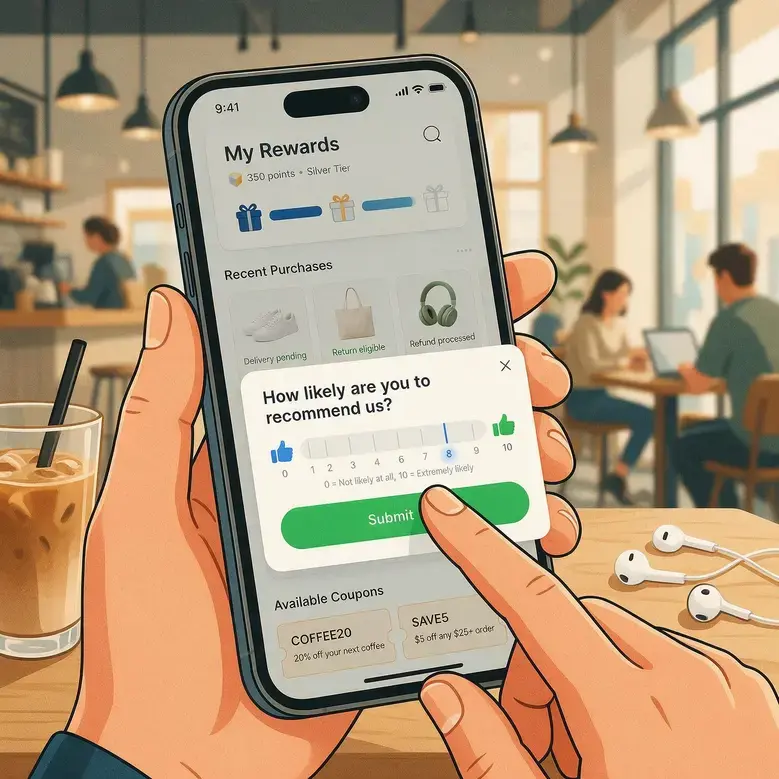
| NPS | Likelihood to recommend (−100 to +100) | ~20–45 | 60–70 (premium DTC) | Returns experience has a significant influence after delivery |
| FRT (email) | Time to first email reply | 12–24 hrs | Under 4 hrs | Reaching sub-one-hour response times usually requires automation or AI-assisted triage |
| FRT (chat) | Time to first email reply | Under ~2 min | Under 30 sec | Shopify Inbox supports this well for smaller teams |
| FCR | Resolved on the first reply | 70–75% | 80%+ | Saved replies and macros are often the fastest way to improve it |
| WISMO rate | "Where is my order?" as a share of post-purchase support tickets | 25–40% | Under 10% | Proactive shipping updates reduce most of these inquiries |
| AI deflection | Share handled without an agent | 30–50% | 60–70% (vendor claims) | Independent production results more commonly fall between 40% and 60% |
AI deflection is the number to treat most carefully. Vendors like to quote 60 to 70%, and the widely cited forecast of 80% by 2029 seems to back that up, until you read the fine print: it covers only common issues, and it's four years out.
Real-world results today run lower, and more than 40% of these projects fail before they deliver. Budget around the conservative end. Plan for 45%, reach 55%, and you've gained capacity you didn't count on.
6 Strategies to Improve Your Shopify Customer Service Operation
These six strategies follow the order most CX teams tackle them in. One caveat, though: it's easy to sink budget into a new tool before you've actually figured out why customers are contacting support in the first place. The audit is what points everything else in the right direction.
1. Run a CX audit before you change anything
When ticket queues start growing, the first reaction is often to look for ways to handle them faster, whether that's adding another support channel or evaluating new software. Neither one helps much until you know what's actually generating the volume.
So before anything else, pull your last 30 days of tickets and sort them by type: WISMO, returns, product questions, billing, complaints, damaged items. Skip the audit, and the busiest conversations often receive the most attention, even when another ticket category is responsible for far more of the workload.
Most stores are surprised to find WISMO alone eating up a quarter to two-fifths of everything. Because those tickets are near-identical, automation clears them at almost no marginal cost, while adding headcount just puts more people on the same repetitive question.
Export the tickets, tag each one, work out the percentages, and pull out your top three categories. Those three are where automation pays off first. It's a couple of hours of work, and it usually changes where your next quarter of budget goes.
2. Match your helpdesk to your revenue tier
Helpdesk decisions become much easier once you anchor them to sales volume and ticket count. Those two numbers tell you far more about the platform you'll need than any product demo.
As stores grow, support teams need richer customer context, stronger SLA management, and better workflow automation, while smaller teams benefit from keeping costs low and complexity manageable.
The pricing below was verified against vendor and third-party sources in July 2026. Because vendors update plans and pricing regularly, confirm the latest figures before you commit.
| Store profile | Recommended tool | Indicative 2026 pricing |
| Under ~$500K sales / low ticket volume | Shopify Inbox | Free, native to the Shopify admin |
| ~$500K–$2M / 200–800 tickets a month | Gorgias | Ticket-based tiers from $10 (Starter) to $360 (Pro); AI Agent billed separately per resolution |
| $2M+ / 800+ tickets a month | Zendesk (or a comparable suite) | Suite Team ~$55, Suite Professional ~$115 per agent/month annually; AI billed per resolution |
| High AOV, B2B, or subscription | Add a phone/voice layer | Priced separately on top of your helpdesk |
Two things about the pricing will surprise you later if you miss them now. Gorgias charges by ticket, not by seat. Your bill rises with volume, so a lean team with steady demand does well, and a store with seasonal spikes pays for every extra ticket in a busy month.
Its AI Agent costs extra on top, charged per resolution, which can push the real bill well past the sticker price. Zendesk works the same way after its 2026 change. AI resolutions bill per resolution once you clear a small monthly allowance, and that sits on top of the per-agent seat cost. Both bills track your actual volume, not the headline number. Estimate from your own ticket count before you compare.
3. Build self-service that actually deflects tickets
Most FAQ pages were written from guesswork, before anyone looked at what customers actually ask. So they answer the wrong questions. The audit fixes that. Your highest-volume categories are the answers most worth publishing, because they're what people are already typing.
Take your top three, write a real step-by-step article for each, and set your chatbot's intents to match. Put those articles where the questions come up: the order confirmation, the shipping notification, the returns page.
Then treat deflection claims with some caution. Tidio advertises a 67% Lyro resolution rate, but most stores come in lower. A bot only answers what its knowledge base covers, so your coverage decides your rate.
4. Set and enforce internal SLAs
An agent can't pace against a target nobody wrote down. An SLA fixes the response and resolution time your team owes on each channel, and says what happens when a ticket runs past it. Without one, two things go wrong.
Agents have no bar to hit, and a manager only spots a slipping channel after customers already have. Set targets by channel.
Email: four hours to first response, 24 to resolution.
Live chat: under 30 seconds to first response, resolved in the session.
Social DMs: two hours. Turn on breach alerts so a violation shows up the moment it happens. Check compliance weekly, because a problem you catch monthly has had a month to grow.
5. Train with SOPs, not one-off coaching
When the answer lives only in an agent's head, the same ticket gets handled differently depending on who picks it up. That variance is what stretches handle time and makes quality hard to hold steady. An SOP gives everyone the same starting point on the tickets you see most: WISMO, returns, damaged items, billing disputes.
Write one page per category. Cover the trigger, the approved response script with variables, when to escalate, and how you confirm the issue is resolved. Store each as a macro or saved reply, inside the tool the agent already works in, so it gets used instead of forgotten. Revisit them quarterly as products and policies change.
6. Measure the four metrics that signal CX health
Customer service is easier to fund when its impact is visible. Ticket counts show how busy the team is, but they say nothing about whether support is holding onto customers or protecting revenue, which is exactly the number a finance review asks for.
Four metrics answer it: CSAT, NPS, FRT, and FCR. Track CSAT and FRT daily from your helpdesk dashboard. Calculate FCR weekly from which tickets reopen within 48 hours, and measure NPS monthly through a post-purchase survey.
The step that changes the conversation is the last one. Put those metrics in the same monthly report as retention and repeat-purchase rate, so you can see how service performance feeds customer behavior rather than guessing at it. That link is what a leader needs to sign off the next hire or tool, because it shows the spend returning as revenue instead of disappearing as cost.
The Post-Purchase CX Gap: WISMO, Shipping Notifications, and Returns
The period between order confirmation and returns generates some of the highest support volume in ecommerce, yet it often gets less operational attention than pre-purchase support or checkout optimization. Three moments sit inside that window, and they all run on one asset: the messages you send after a customer pays.
WISMO is your biggest ticket driver, and the most automatable. For many Shopify stores, WISMO is the single largest source of support inquiries, and one of the easiest to cut. The tickets cluster in the gap between "order confirmed" and "delivered," when the customer has no way to see where the package is. Give them that visibility and the ticket never forms.
Notifications at dispatch, in transit, and out for delivery keep the customer updated, and a branded tracking page lets them check status themselves. Size the fix against your own data first. Gorgias puts WISMO near 18% of contacts, below the 25–40% others report.
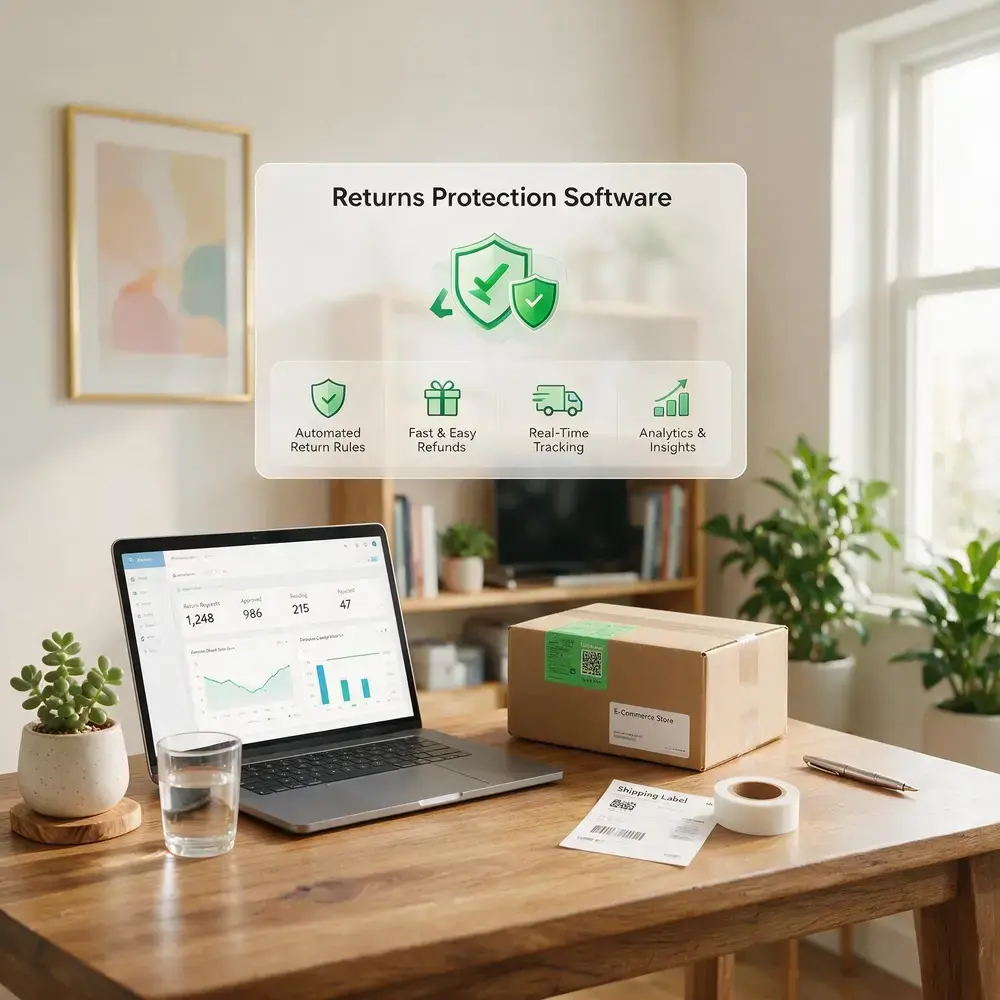
Returns are the most under-leveraged loyalty lever. A customer who fights a hard return remembers the fight, not the product, and that memory decides the next order. Returns research finds an easy return process lifts NPS by 15 to 25 points. A self-serve portal lets the customer start, track, and finish a return without an agent. That removes the friction that would otherwise generate a complaint and a support ticket at the same time, so volume drops while satisfaction climbs.
Post-purchase is also your best-read upsell window. A customer waiting on a package checks its status on their own, often more than once, without any prompting from you. That makes the tracking page one of the few post-purchase surfaces a customer actively returns to. You can use that attention to recommend a complementary product, prompt loyalty enrollment, or ask for a review, on a page they came to themselves.
How to reduce WISMO tickets on Shopify? (3-step fix)
WISMO is any contact asking where an order is or when it will arrive. To cut it: (1) send proactive shipping notifications at dispatch, in-transit, and out-for-delivery; (2) give customers a branded tracking page to self-serve status; (3) measure your WISMO rate as its own number and set a target below 10%.
How Clickpost Improves Shopify Customer Service Post-Purchase
By this point, the operational gap is fairly clear. Helpdesks manage customer conversations, but much of the ticket volume builds after an order ships. That post-purchase window, from delivery tracking through returns, is where ClickPost fits.
WISMO is a good place to start because it's the largest ticket category for many Shopify stores. Most of those inquiries stem from a lack of delivery visibility. ClickPost reduces that gap with proactive shipping notifications and a branded tracking page that lets customers check order status on their own. That lowers WISMO volume and gives support teams more time to focus on issues that genuinely require an agent.
Returns are another area where the post-purchase experience directly affects customer satisfaction. ClickPost's self-serve returns portal allows customers to initiate, track, and complete returns without contacting support. Teams can also tailor return policies by customer segment, offering options such as instant exchanges or QR-code returns for loyal customers, while new buyers follow the standard flow.
Customers often return to the tracking page several times while waiting for a delivery, which makes it a natural place to recommend complementary products, promote a loyalty program, or request a product review. On Shopify, ClickPost also supports order edits and returns fraud prevention, helping reduce avoidable support requests while protecting the returns process.
Shopify Customer Service Improvement Checklist
Work through these four phases in order. Each item is a single checkable action.
Phase 1 — Audit (before week 1)
-
Export and categorize your last 30 days of tickets by type.
-
Identify your top three ticket categories by volume.
-
Benchmark your current CSAT, FRT, and FCR against the averages in this guide.
-
Map your channel coverage against your customer demographics.
Phase 2 — Infrastructure (weeks 1–4)
-
Select or upgrade your helpdesk based on revenue tier and ticket volume.
-
Write SOPs for your top three ticket categories.
-
Configure macros or saved replies for each SOP.
-
Audit your FAQ and knowledge base against your top ticket categories.
-
Enable proactive shipping notifications at dispatch, in transit, and out for delivery.
-
Deploy or audit your self-serve returns portal.
Phase 3 — Operations (weeks 4–8)
-
Define and configure internal SLAs per channel.
-
Set SLA breach alerts for your support manager.
-
Add post-purchase upsell content to your branded tracking page.
-
Configure your AI chatbot's intent library against your top three categories.
Phase 4 — Measurement (ongoing)
-
Track CSAT and FRT daily via your helpdesk dashboard.
-
Calculate FCR weekly by checking 48-hour reopens.
-
Review NPS monthly via a post-purchase survey.
-
Build a monthly report connecting CSAT and NPS to retention and repeat-purchase rate.
Conclusion
Your ticket audit tells you where customers are running into friction. That gives you a clear starting point for deciding where automation will help, which tools you actually need, and which metrics deserve attention first. Each decision builds on the one before it.
There's no need to overhaul the entire support operation at once. Start with the category generating the most tickets. Set a realistic 90-day target using the benchmark table, then measure whether the change improved the outcome you were aiming for. Once that part of the operation is working better, move on to the next biggest source of tickets.
Customer service is easier to improve when every change solves a defined problem. That's how support evolves from reacting to tickets into an operation that protects customer retention and earns continued investment.
Frequently Asked Questions About Shopify Customer Service
How do I contact Shopify customer service?
This refers to Shopify's own merchant support, not your store's customer support. Shopify offers 24/7 merchant support through live chat in the Shopify admin, plus email and the community forums at help.shopify.com. For billing or account issues, the live chat route inside the admin is usually the fastest path to a resolution.
What is the best helpdesk software for Shopify?
It depends on your sales volume and ticket count. Shopify Inbox suits stores under roughly $500K with low volume, since it is free and native. Gorgias is a common mid-market choice for its order context and Shopify-first automation. Zendesk and comparable suites fit larger stores needing multi-tier routing, SLA enforcement, and deeper reporting.
How do I improve my Shopify store’s customer experience?
Improving Shopify customer experience means reducing friction at three stages of the journey. Before the sale, clear product listings and an FAQ built from real ticket data cut avoidable questions. During it, fast and consistent live support through the right channel mix keeps buyers moving. After it, proactive shipping updates and an easy return protect the relationship. Post-purchase improvements tend to move NPS and inbound ticket volume the most.
Does Shopify have 24/7 customer support?
Yes, Shopify provides 24/7 support to merchants through live chat in the admin dashboard. That is support for store operators, though, not for the shoppers buying from those stores. To help your own customers around the clock, you need a separate helpdesk or live chat tool layered on top.
How do I handle customer complaints on Shopify?
Three things make complaint handling consistent: a documented SOP for your most common complaint types, a clear escalation path for unresolved cases, and a resolution confirmation step at the end. Prioritize first-contact resolution, which top performers hit around 80% of the time. Helpdesks like Gorgias and Zendesk store these SOPs as macros and saved replies.
What is WISMO and how do I reduce it on Shopify?
WISMO stands for "where is my order." It's the category of support tickets asking for shipping or delivery status, and it typically runs 25% to 40% of inbound volume. The most effective fix is proactive notifications at dispatch, in transit, and out for delivery, paired with a branded tracking page customers can check themselves. ClickPost provides both natively for Shopify merchants.
How do I set up live chat on my Shopify store?
Shopify Inbox is the free native option, available in the admin, connecting to your storefront chat widget and pulling order context. For advanced automation or multi-channel routing, Gorgias offers a chat widget with deep Shopify context. To install either, open the Shopify App Store, search for the tool, and follow the theme integration steps.
What customer service metrics should I track for my Shopify store?
Track four: CSAT, NPS, FRT, and FCR. Monitor CSAT and FRT daily, calculate FCR weekly by checking 48-hour reopens, and review NPS monthly through a post-purchase survey. Benchmark against ecommerce averages of roughly 80–85% CSAT, an NPS in the 20 to 45 range, and an email first response under four hours.
How much does a Shopify helpdesk cost?
It ranges from free to enterprise. Shopify Inbox is free. Gorgias uses ticket-based tiers from $10 a month, with mid-market plans around $360 and AI billed separately per resolution. Zendesk Suite runs about $55 to $115 per agent monthly on annual billing, also with per-resolution AI charges. Confirm current pricing directly, since these figures shift often.
How do I reduce customer service response time on Shopify?
Reducing response time starts with removing volume, not adding speed. Automate your highest-volume category, usually WISMO, so agents aren't tied up on repetitive status questions. Add saved replies for common cases, set per-channel SLAs with breach alerts, and route live chat separately from email so urgent conversations don't sit behind slower tickets. Faster responses correlate strongly with higher retention.




We use cookies to keep the site working, understand usage, and improve your experience. Learn more
Always active for essential site performance and security.
Enables anonymous usage analysis to refine our services.
Used to present relevant promotions and advertising.