.png?width=193&height=27&name=ClickPost%20Logo%20(Blue).png)
.svg)
.svg)
.svg)
.svg)
.svg)
.svg)
.svg)
.svg)
.svg)


.svg)
.svg)
.svg)
.svg)
.svg)
.svg)


.svg)
.svg)
.webp?width=286&height=206&name=ROI%20Calculator%20(1).webp)
.svg)
.svg)

.svg)

.webp?width=286&height=206&name=RTO%20Playbook%20(1).webp)

%20Apps.webp?width=960&height=720&name=Best%20Shopify%20POS%20(Point%20of%20Sale)%20Apps.webp)
In this blog
TL/DR summary
A strong POS setup is a growth lever when it prevents operational leakage. The apps in this list cover core POS needs and the extensions that matter most in 2026: omnichannel inventory integrity, faster in-store workflows, staff governance, compliance controls, and customer feedback that improves retention.
Key takeaways
-
Use Shopify Point of Sale as the foundation for the cleanest integration with Shopify orders, inventory, and reporting.
-
Choose retail-focused POS layers like Magestore POS or ConnectPOS when you need deeper in-store workflows or configurable checkout logic.
-
If you sell food or beverages, POS accuracy depends on modifiers and ticketing, which is where Simmer fits best.
-
Workforce tools like Easyteam and PTT reduce payroll errors and improve store execution, directly impacting conversion.
-
Compliance and fee-handling apps (OpenFiskal, Feesly) are small add-ons that prevent high-cost operational and legal friction.
The goal is not to install more apps. The goal is to remove bottlenecks: checkout friction, inventory mismatch, labor inconsistency, and unclear customer feedback. When those are solved, growth becomes easier to sustain.
Introduction
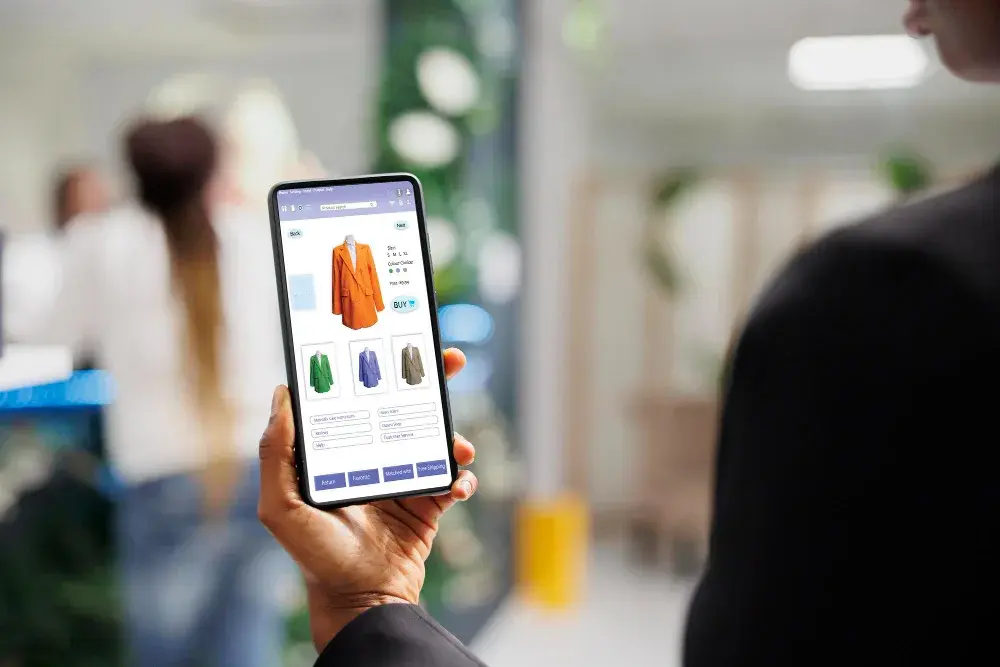
Modern retail is no longer split between online and offline; it is a single operating model with multiple touchpoints. The best POS (Point of Sale) Shopify Apps in 2026 are built for that reality: they connect checkout speed with inventory accuracy, unify customer profiles across channels, and keep fulfillment options like ship-from-store and buy online, pick up in-store from turning into manual chaos. If your store is serious about conversion, repeat purchases, and clean operations, the right POS stack becomes as important as your theme.
Key highlights
-
POS is now a control layer for inventory, orders, staff, and customer data, not only a payment screen.
-
Omnichannel fulfillment features matter most when you have two or more locations or seasonal demand spikes.
-
Offline or low-connectivity resilience reduces lost transactions during peak hours.
-
Staff tools (roles, time tracking, checklists) reduce training time and improve floor execution.
-
Compliance and receipt requirements can be country-specific; pick apps that match your operating regions.
Top POS (Point of Sale) Shopify Apps in 2026
The ten apps below cover the full spectrum, from Shopify-native POS foundations to specialized extensions for food service, workforce management, surcharge handling, fiscal compliance, and feedback collection.
Quick comparison table: POS (Point of Sale) Shopify Apps at a glance
|
App |
What is it best for |
Typical pricing approach |
|
Point of Sale |
Unified selling across online and in-store with inventory and customer sync |
Included Lite; Pro commonly priced per location |
|
Magestore POS |
Omnichannel retail operations with strong in-store workflows |
Varies by setup; often location or register-based |
|
ConnectPOS |
Configurable POS with multi-location and flexible checkout flows |
Often priced per register with tiered plans |
|
Simmer: Food Service/Cafe POS |
Modifiers, tickets, and kitchen workflows for cafés and food retail |
Monthly subscription, often around $30 with location add-ons |
|
BR Sales Terminal POS |
Lightweight in-store selling with refunds, exchanges, and receipts |
Monthly fee, typically per Shopify location |
|
Easyteam for Point of Sale |
Scheduling, time tracking, commissions, and staff execution |
Free entry tier; paid plans scale with staff count |
|
PTT: POS Time Tracker |
Simple time tracking inside Shopify POS |
Tiered monthly plans by staff count |
|
OpenFiskal TSE & RKSV for POS |
Fiscal compliance and signed receipts for regulated regions |
Free install; recurring per-register fee |
|
Feesly: Surcharge & Fees (POS) |
Adding bag fees, service charges, and surcharges at checkout |
Low-cost monthly subscription |
|
SEA Post Purchase Survey App |
Capturing reasons-to-buy and satisfaction for optimization |
Free tier; paid plans scale with response volume |
1. Point of Sale
Shopify Point of Sale is the foundation of unified commerce: a single system for in-person selling that keeps products, inventory, and customer profiles aligned with your Shopify admin. It suits pop-ups and permanent stores by supporting fast search, barcode scanning, discounting, returns, and customer lookups in a single flow.
What it enables
-
Real-time inventory sync across online store and retail locations
-
Customer profiles with purchase history for better in-store personalization
-
Returns and exchanges that stay linked to the original order
-
Buy online, pick up in store workflows when paired with location settings
-
Offline selling that syncs when connectivity returns
Shopify POS Lite is typically included with Shopify plans, while POS Pro is commonly priced per location. Merchants view it as the safest foundation because it remains closely aligned with Shopify’s product, order, and reporting models, reducing integration risk as you scale locations.
2. Magestore POS
Magestore POS is designed for merchants who want a retail-grade POS layer while keeping Shopify as the single source of truth. It focuses on omnichannel continuity: in-store sales update Shopify inventory and customer records, while online orders remain visible to retail teams.
What it enables
-
Unified product, order, and customer sync back to Shopify
-
Multi-location inventory control and stock transfer workflows
-
Fast checkout with returns and exchanges built into the store workflow
-
Flexible device usage for counter, floor, and back office
-
Retail reporting that supports store-level decision making
Pricing varies by merchant setup and is typically tied to locations or registers. Magestore stands out when you need an omnichannel POS experience that feels “retail-first” while still mapping cleanly into Shopify operations.
3. ConnectPOS
ConnectPOS is a customizable POS solution for merchants seeking robust omnichannel capabilities beyond the standard checkout experience. It supports multi-location selling, unified customer profiles, and operational workflows, including returns, exchanges, and click-and-collect.
What it enables
-
Real-time sync of in-store sales to Shopify inventory and orders
-
Multi-location stock management and transfer support
-
Partial payments, split tenders, and flexible checkout flows
-
Customer profiles and loyalty-ready workflows
-
Offline-friendly selling for busy store environments
ConnectPOS commonly uses per-register pricing tiers. Merchants look to it when they want a configurable POS layer that still keeps Shopify reporting and order data coherent.
4. Simmer: Food Service/Cafe POS
Simmer is built for food and beverage workflows where standard retail POS screens feel limiting. It adds features like modifiers, ticket handling, and kitchen workflows while keeping Shopify as the transaction and product backbone. In practice, it helps cafés, bakeries, and quick-service operations sell more accurately at the counter, because the staff can capture choices and add-ons without turning every option into an operational headache.
What it enables
-
Product modifiers for add-ons (sizes, toppings, milk types, extras)
-
Ticket and table-style workflows for faster front-of-house execution
-
Kitchen display and printing for prep coordination
-
Pickup scheduling so online orders flow into kitchen operations
-
Shopify-native product and reporting alignment for cleaner accounting
Simmer is typically priced as a monthly subscription, often around $30 per month with location-based add-ons. It stands out for merchants who need restaurant-style order capture while still relying on Shopify’s unified inventory and order records.
5. BR Sales Terminal POS
BR Sales Terminal POS focuses on simple in-store selling for merchants who want a lightweight POS experience without heavy hardware investment. It supports core tasks such as sales, refunds, and exchanges while keeping inventory synced with Shopify.
What it enables
-
In-store checkout that syncs orders and inventory to Shopify
-
Barcode scanning workflows using supported devices
-
Returns, refunds, and exchanges tied to store operations
-
Receipt printing for standard retail handoffs
-
Store credit handling for recovery and retention
BR Sales Terminal POS is commonly priced per location, with a modest monthly fee. It stands out for merchants who want essentials done well, with minimal setup and a low barrier to adoption.
6. Easyteam for Point of Sale
Easyteam is a workforce operations layer that sits on top of Shopify POS for staff scheduling, time tracking, and performance visibility. Instead of treating labor as a separate system, it keeps employee workflows close to the selling environment where they matter. For multi-location stores, this becomes a control point for compliance, payroll hygiene, and accountability.
What it enables
-
Clock-in and clock-out tied to store location policies
-
Shift scheduling that matches real retail staffing patterns
-
Sales attribution for staff performance and commission programs
-
Timesheet exports for payroll processing and audit trails
-
Task lists and checklists for consistent store execution
Easyteam typically has a free entry tier for very small teams and paid plans that scale with staff count. It stands out because better labor controls reduce operational leakage and improve conversion on the floor.
7. PTT: POS Time Tracker
PTT: POS Time Tracker is a focused option for merchants who primarily want clean time tracking within Shopify POS without adopting a full workforce suite. Staff clock in and out directly from the POS environment, and managers pull reports from the Shopify admin.
What it enables
-
Time clock inside Shopify POS without separate logins
-
Break tracking and shift visibility for managers
-
Reports for payroll reconciliation and staffing decisions
-
Multi-location time tracking with centralized oversight
-
Lightweight setup that staff can adopt quickly
PTT typically offers tiered monthly plans based on staff count. It stands out when labor hygiene matters, but you want a narrow tool that stays out of the selling workflow until it is needed.
8. OpenFiskal TSE & RKSV for POS
OpenFiskal exists for a specific, non-negotiable reason: fiscal compliance in regulated markets. For merchants operating in regions such as Germany and Austria, it helps ensure receipts are correctly signed and formatted, often including QR codes and mandated reports.
What it enables
-
Digitally signed receipts aligned with fiscal requirements
-
QR-code receipt output for compliant documentation
-
Automated end-of-day reporting and audit exports
-
Compatibility with Shopify POS workflows for sales and refunds
-
Centralized recordkeeping for tax review readiness
OpenFiskal is often free to install, with a per-register fee charged on a recurring basis. It stands out because the cost of non-compliance can exceed the cost of any POS subscription, and the right compliance layer protects your retail expansion.
9. Feesly: Surcharge & Fees (POS)
Feesly is built for merchants who need to add controlled fees at the counter without turning those fees into awkward workarounds. Retail bag fees, service charges, handling fees, and similar add-ons can be applied quickly during checkout
What it enables
-
Fixed or percentage-based fees added during POS checkout
-
One-tap tiles for standard charges (bag fee, service charge, gratuity)
-
Cleaner reporting for fee revenue versus product revenue
-
Simple configuration without creating extra products for every fee type
-
Faster checkout when staff need a consistent fee application
Feesly is commonly priced as a low-cost monthly subscription. It stands out to merchants who need consistent, transparent fee information without slowing the POS line.
10. SEA Post Purchase Survey App
The SEA Post-Purchase Survey App is not a traditional POS feature, but it directly impacts retail performance by capturing customer feedback at the point of purchase. Surveys on thank-you pages or receipts help merchants understand why customers bought, what nearly stopped them, and what would make them come back.
What it enables
-
Post-purchase surveys that capture intent, attribution, and satisfaction
-
Question types like NPS, multiple choice, and conditional logic
-
Segmentation by order type, location logic, or customer cohorts
-
Analytics dashboards that turn responses into operational actions
-
Better first-party data for marketing and customer experience decisions
SEA often offers a free tier with capped responses, along with paid plans that scale with volume. It stands out because it helps merchants reduce churn and improve conversion by fixing the real blockers customers mention.
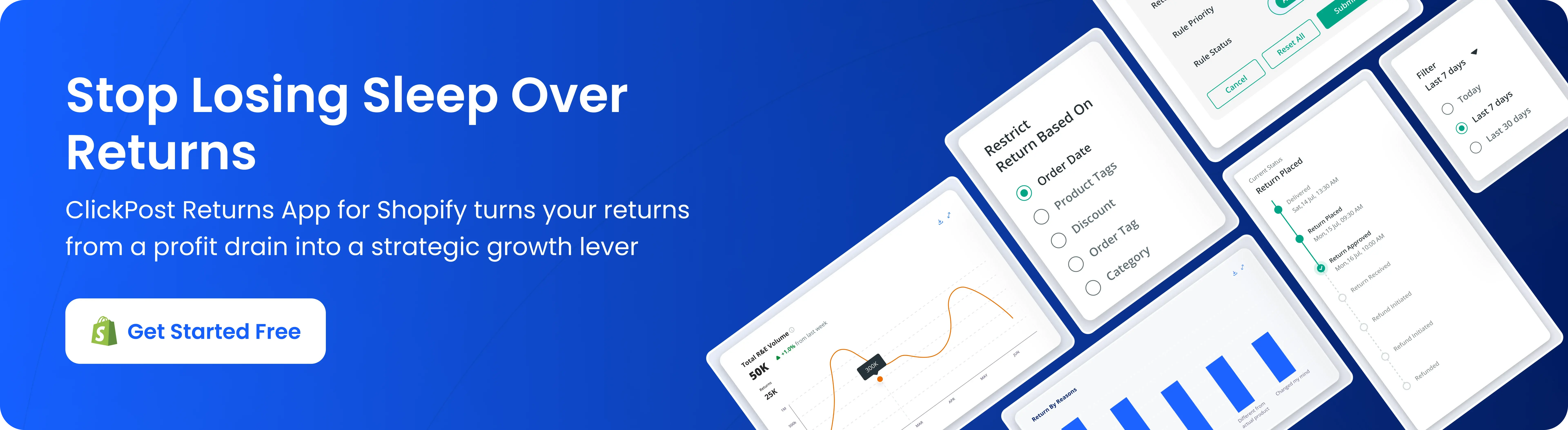
ClickPost turn returns into exchanges and repeat purchases, not losses
Automated returns & Exchanges with a self-serve portal, tracking, policies & analytics.
ClickPost Returns & Exchanges streamlines return and exchange management with automation, refunds, and a self-serve portal. Customers get real-time tracking, automated updates, and quick refunds. Merchants manage all return and exchange requests in one dashboard with customizable policies, eligibility rules, and reasons. Detailed return analytics and reporting give insights to cut costs and boost repurchases. Setup is fast, with everything ready in under 30 minutes.
-
Automated self-serve portal for easy returns, exchanges & refunds.
-
Dashboard to manage, track, and resolve return & exchange requests.
-
Process refunds to via gift cards or original payment methods.
-
Customizable return and exchange policies, rules, and eligibility.
-
Analytics & reporting with insights on return and Exchange trends.
ClickPost Returns Plus offers a free plan for up to 100 monthly returns. Paid plans start at $49/month. You can also integrate our returns management product with your ecommerce website. The total reviews on the ClickPost tool at Shopify are a testament to the ease it offers to merchants. The app support provided also makes it one of the best in the app categories for returns, exchanges, and refunds.
Conclusion: Build a POS stack that can scale with you
In 2026, the best POS (Point of Sale) Shopify Apps are the ones that continue to sell quickly while maintaining operational accuracy. Start with a solid POS foundation, then add specialized layers only where they remove real friction: labor control, food-service workflows, compliance, fees, or structured feedback.
The right combination does not just ring up orders; it keeps inventory clean, reduces support load, and turns every store interaction into actionable data.